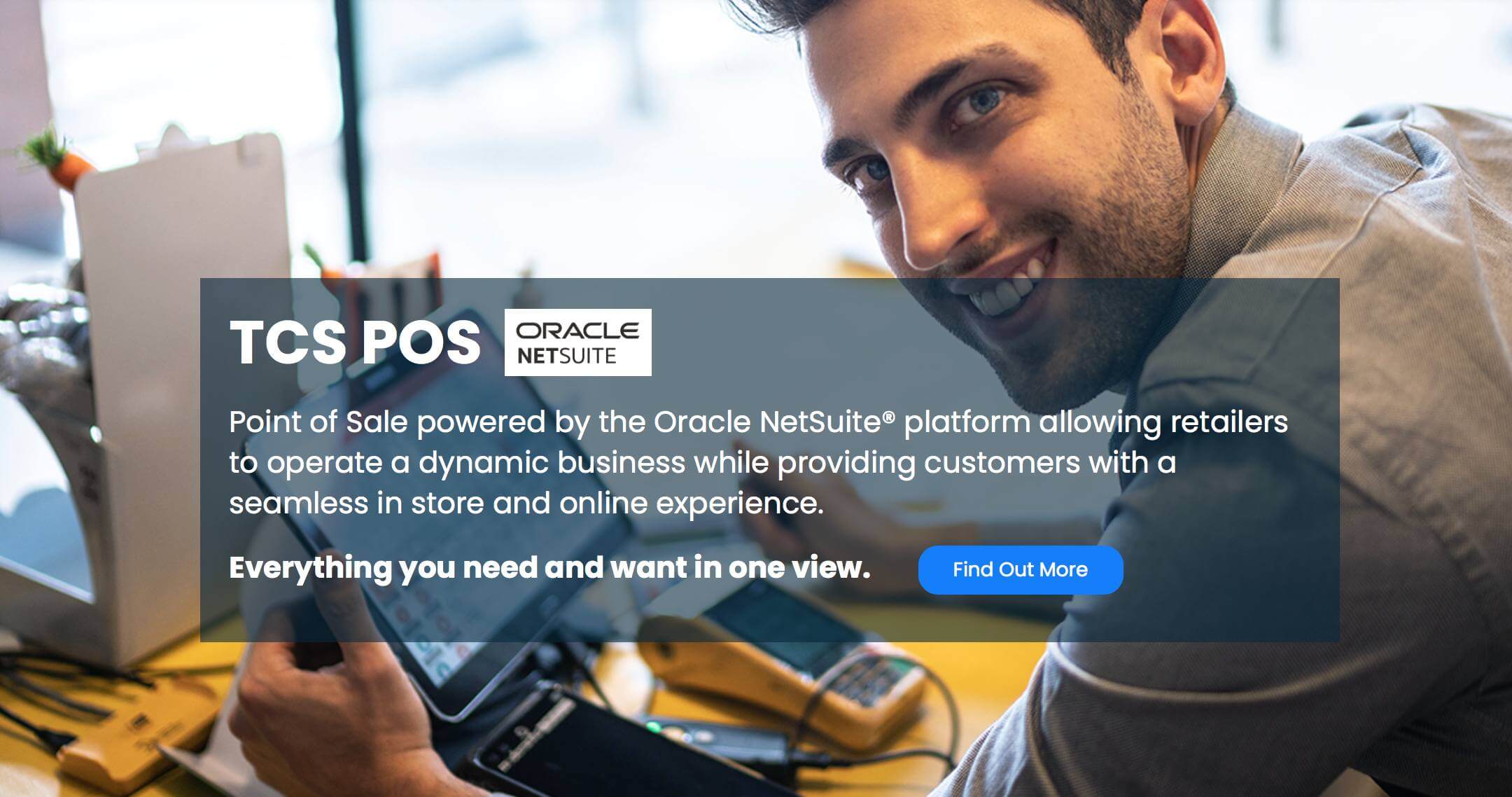
Retailers can find it difficult to select the right point of sale system when they want to maintain customer satisfaction, streamline business processes, manage inventory and plan for future expansion. The right Cloud POS features for NetSuite make everyday retail tasks easier and ensure vital business data remains linked and available.
NetSuite, a cloud-based POS system, can offer more flexibility between stores, devices and sales channels to businesses that already have NetSuite. Before deciding which is the best option for your retail business, retailers should consider integration, real-time data, scalability, reporting, security, and ease of use.
Key Areas to Evaluate When Choosing Cloud POS Features for NetSuite
When it comes to selecting a cloud POS, it’s not enough to simply compare features. Connectivity, inventory, security, usability, scalability, reporting and synchronising are the features retailers should look out for to ensure efficient operations and future growth.
1. Look for Direct NetSuite Connectivity
One of the most significant factors is the ability of the POS to integrate with the retailer’s internal operations. Retailers looking at Cloud POS features for NetSuite should prioritise reliable connectivity, accurate data, and smoother information flow.
Important capabilities include:
- Direct connection with NetSuite data
- Real-time transaction updates
- Centralised product information
- Connected inventory data
- Customer information access
- Reduced manual data entry
2. Prioritise Real-Time Inventory Visibility
The accuracy of inventory is directly related to sales, customer satisfaction, and operational efficiency. Retailers require transparency of products, inventory levels, and inventory flow throughout their businesses. A Cloud POS with NetSuite Sync can help maintain consistent inventory information across retail and back-office operations.
Look for features such as:
- Real-time stock visibility
- Multi-location inventory management
- Stock transfers
- Product and SKU management
- Low-stock monitoring
- Accurate inventory adjustments
3. Choose Flexible Cloud Accessibility
With cloud technology, retailers can have access to their point of sale operations from multiple locations and devices. When evaluating the best POS system integrated NetSuite, businesses should consider flexibility, accessibility, and compatibility with their existing retail environment.
Useful capabilities include:
- Browser-based access
- Laptop and tablet compatibility
- Multi-location support
- Secure user access
- Remote management capabilities
- Flexible deployment
4. Evaluate Checkout and Payment Capabilities
A well-organised checkout line makes transactions quick and easy for both staff and customers. When evaluating your POS capabilities, make sure it comes with features that help you streamline routine sales and make your service faster.
Retailers should consider:
- Fast product searches
- Barcode scanning
- Multiple payment options
- Discounts and promotions
- Digital receipts
- Returns and exchanges
- Customer account management
5. Consider Reporting and Real-Time Insights
Retailers require information that is useful to assess sales performance and discover opportunities for their businesses. Reporting provides a way for managers to keep track of operations and make decisions.
Important reporting capabilities include:
- Sales performance tracking
- Product performance reports
- Inventory reporting
- Store-level analysis
- Customer insights
- Employee performance information
- Real-time dashboards
6. Support Omnichannel Retail Operations
Today’s customers want the flexibility to shop online and in-store. Retailers can use an Online POS System for Retail to keep information consistent and promote a connected customer journey.
An effective solution can help:
- Online and in-store orders
- Shared inventory visibility
- Click-and-collect services
- Consistent product information
- Flexible fulfilment
- Connected customer information
7. Assess Scalability for Future Growth
Retailers need to invest in technology that scales with their business. The solution must continue to work as more stores, products, employees, transactions and sales channels are added.
Consider whether the solution can:
- Support additional stores
- Handle higher transaction volumes
- Add new registers
- Manage larger product catalogues
- Support additional users
- Accommodate future integrations
8. Consider the Total Business Value
When evaluating POS solutions, it’s important to consider more than just price. The factors to consider for retailers include implementation, integration, support, scalability, and long-term value.
Evaluate:
- Software costs
- Implementation requirements
- Hardware needs
- Integration expenses
- Training
- Support
- Future expansion costs
The best POS system integrated NetSuite should provide value beyond basic transaction processing by supporting connected retail operations and reducing unnecessary manual work.
9. Prioritise Security and Reliability
Retailers deal with sensitive information of their customers and transactions every day. Therefore, security and reliability are key factors to consider when choosing a cloud-based POS solution.
Businesses should evaluate:
- Secure user authentication
- Access controls
- Reliable cloud infrastructure
- Data protection
- System availability
- Backup and recovery processes
10. Look for Seamless Data Synchronisation
With the growth of stores, products and transactions, data accuracy becomes a more significant factor in the life of the retailer. A Cloud POS with NetSuite Sync can help businesses to ensure that they have consistent information both in the retail and the back office.
The following areas are important to consider:
- Sales data
- Product information
- Customer records
- Inventory levels
- Pricing
- Transaction details
- Financial information
Conclusion
Choosing the right POS is about more than features. Retailers must focus on connectivity, inventory visibility, checkout efficiency, reporting, security and customer service. Choosing the appropriate Cloud POS features for NetSuite can help enhance existing processes and support future growth by providing greater visibility and smoother workflows.
FAQs
What should retailers check before choosing a cloud POS?
Retailers should check the integration, inventory management, reporting, security, scalability, ease of implementation, and overall requirements for integration.
How does a cloud POS help retail employees?
It can streamline transactions, offer quicker access to product and customer information, and minimise repetitive manual tasks.
Can Cloud POS features for NetSuite support omnichannel retail?
Yes, retailers can use connected POS to streamline the integration of online and in-store orders, stock, product data and delivery.
Does TCS POS require a separate database?
No. TCS states that its POS is native to NetSuite, with data residing on the NetSuite platform rather than requiring an additional database.
What makes True Cloud Solutions different from other cloud POS providers?
True Cloud Solutions offers a POS designed to operate directly on the NetSuite platform, providing centralised data without requiring a separate database or third-party data synchronisation.